Version 1, October 2026
Brand guidelines
The rules for the Clastix logo, colour and typography. Use them whenever you create anything that carries our name.
On this page
Welcome
Partners, collaborators and team members are welcome to use the Clastix brand. We ask that you treat it with the same care we do.
The Clastix name, logo, symbol and other identifying assets are the property of Clastix. Always use the master files from the brand kit, and never redraw or recreate them.
This is version 1. It covers the logo, colour and typography.
Clastix brand kit download: Logo & FontClastix product logo downloads: kMetal, Kamaji & Capsule
Clastix logo
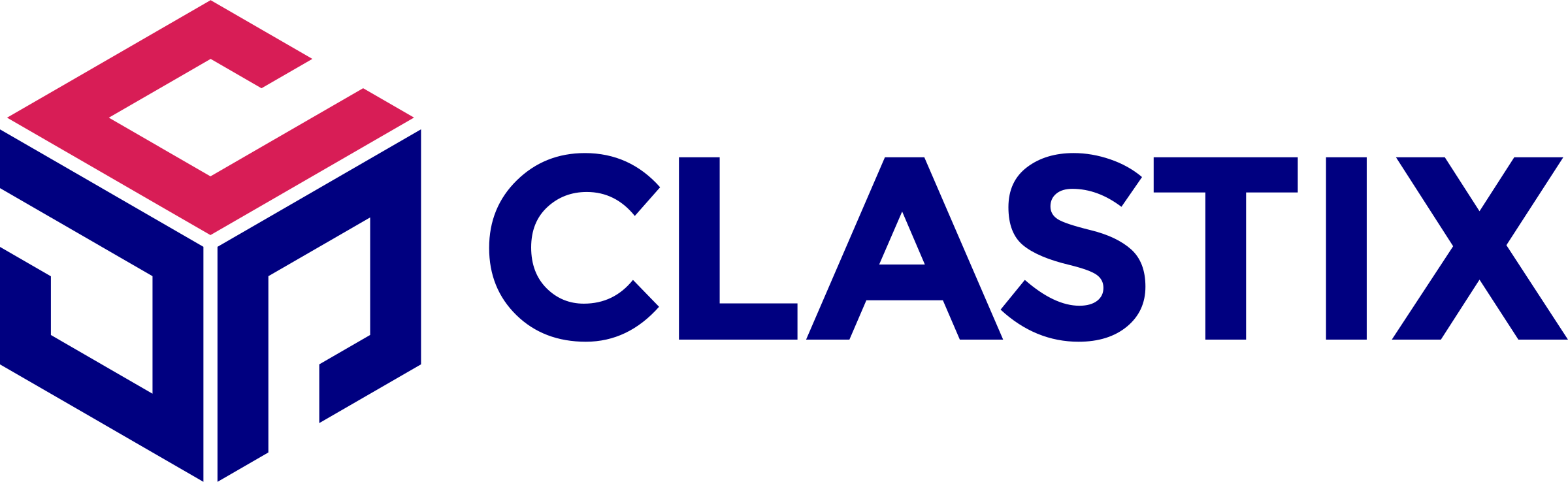
The horizontal logo combines the cube symbol with the CLASTIX wordmark. It is our most recognisable asset.
Versions
Three versions cover every format. Start with the horizontal logo; switch only when it doesn't fit.
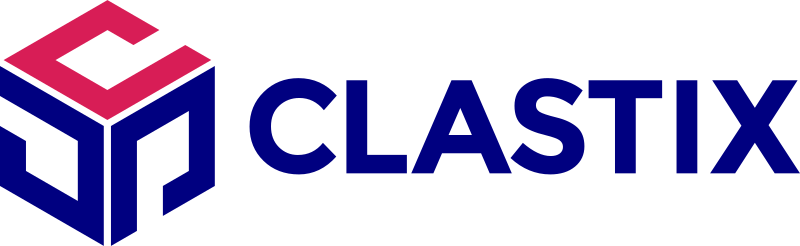
Horizontal logoPrimary
The default. Use it wherever it fits: websites, presentations, press, partner materials and documents.

Logo symbol
For small or square spaces where the name is already clear: app icons, favicons, avatars and product UI.
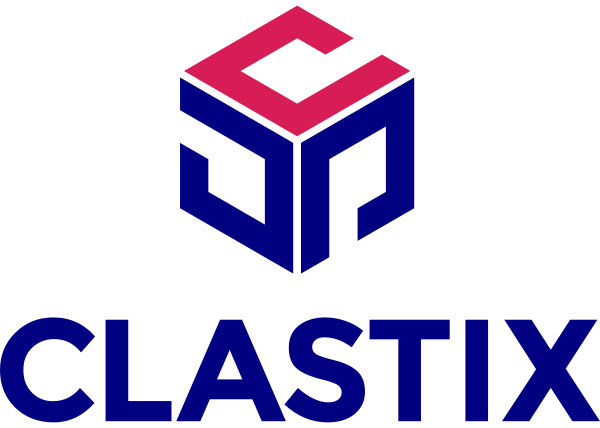
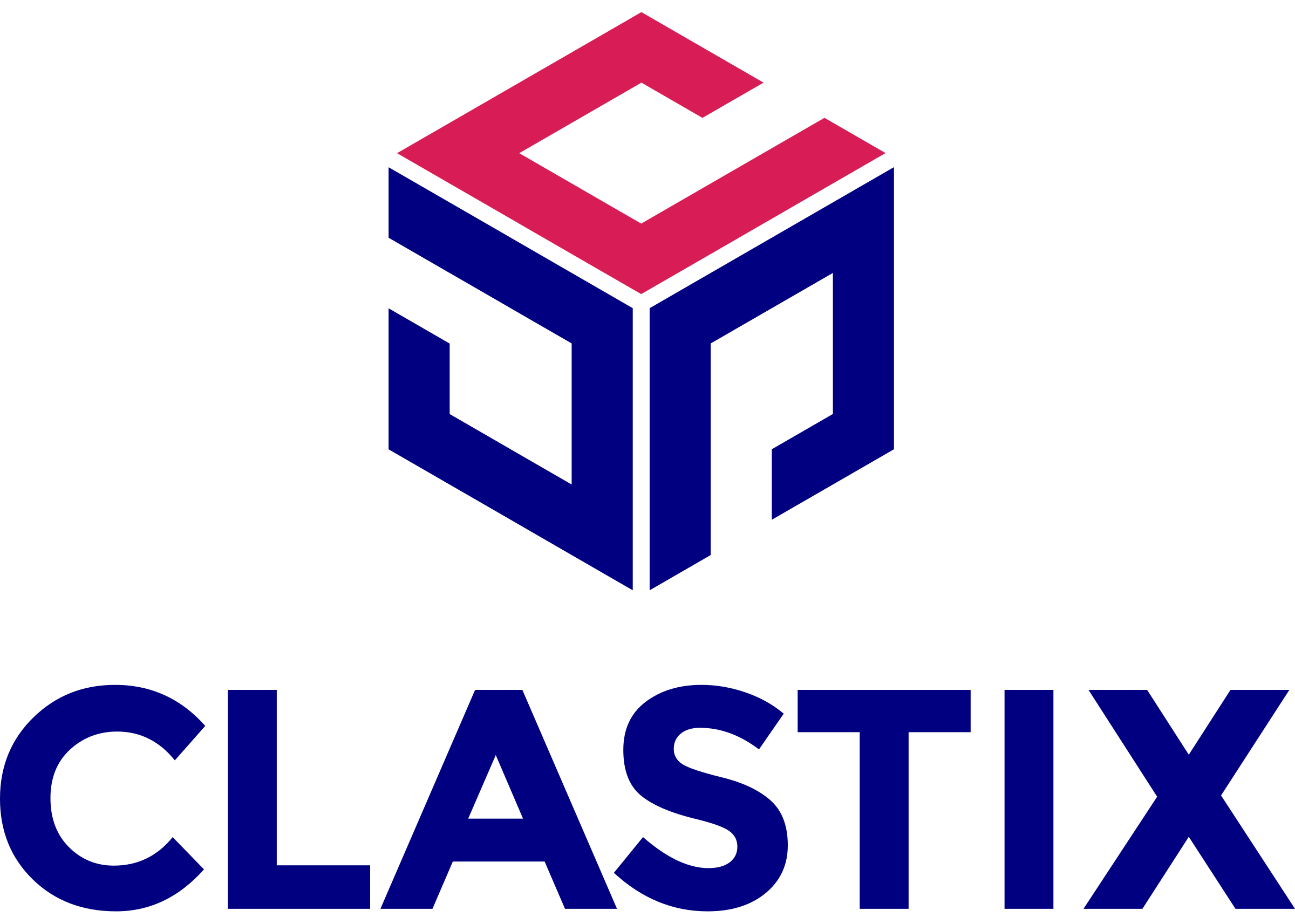
Vertical logo
For square or tall spaces where the full name must appear but the horizontal logo doesn't fit.
Colour variants
Choose the variant by its background. Full colour is always the first choice.
Full colourPreferred
On white or very light, uncluttered backgrounds.

White
On Clastix Blue, Clastix Magenta or any very dark background that needs strong contrast.
White on photography
Place it on a calm, low-detail area of the image.
Black
Only when colour isn't available or full colour lacks contrast. Never the default.
Ghost symbol: decorative only
The full Clastix Lilac cube, used as a decorative background graphic. It never replaces the logo and always appears with a proper logo on the same layout.
Clear space
The clear-space unit is C: the height of the letter "C" in the CLASTIX wordmark. Keep at least one C of clear space on every side. No text, images, other logos, borders or page edges may enter it.
C scales with the logo, so measure it from the logo at the size you're using. The vertical logo uses the C in its own wordmark. For the symbol alone, use the same C scaled with the symbol: about two-fifths of its height.
Minimum size
Below these sizes the wordmark and the gaps between the cube faces break down. If a space is too small for the full logo, switch to the symbol.
| Version | Digital | |
|---|---|---|
| Horizontal logo | 120 px wide | 30 mm wide |
| Vertical logo | 80 px wide | 20 mm wide |
| Logo symbol | 20 px wide | 6 mm wide |
Correct use
- Use the full-colour logo on white or very light backgrounds whenever possible.
- Use the white or black logo on photography, on a calm, low-detail area with strong contrast.
- Use the white logo on Clastix Blue, Clastix Magenta or any very dark background where you need strong contrast.
- Always use the original SVG or PNG files from the brand kit.
Misuse
Keep the logo exactly as supplied. Never use old or unofficial versions, add elements inside the clear space, or use the ghost symbol in place of the logo.
ClastixNow that you know how to use the Clastix logo, jump to the logo downloads
Colour
Clastix Blue and Clastix Magenta come from the logo. Clastix Lilac supports them. Select any value to copy it.
Core colours
- Primary
- HEX
- RGB
- CMYK
- Pantone
Headlines, key text, dark backgrounds and anything that should feel unmistakably Clastix.
- Accent
- HEX
- RGB
- CMYK
- Pantone
Used sparingly for emphasis: highlights, key figures and calls to action. It never dominates a layout.
- Main supporting
- HEX
- RGB
- CMYK
- Pantone
Section backgrounds, cards, panels and subtle fills.
- White
- HEX
- RGB
- CMYK
- Pantone
- None (unprinted paper)
- Black
- HEX
- RGB
- CMYK
- Pantone
CMYK values are converted for coated paper (ISO Coated v2, FOGRA39). Pantone values are the closest Coated matches. Confirm both against a printed proof and a physical Pantone guide before production.
Colour scales
Clastix Blue and Gray each have nine steps. Use 50–100 for backgrounds and fills, 200–300 for borders, illustrations and charts, 400–500 for core brand use, and 600–800 for dark backgrounds and text. Clastix Magenta is used as a single colour, without tints. Each step shows its contrast against white; select one to copy it.
Clastix Blue
Gray
Colour balance
Clastix Blue carries the brand; Clastix Magenta is the accent that draws the eye. Aim for roughly this balance in any layout.
- 60% White
- 25% Clastix Blue
- 10% Clastix Lilac
- 5% Clastix Magenta
Accessible pairings
Typography
Montserrat is the Clastix typeface for everything: headlines, body text, quotes, interfaces and presentations. It is free under the SIL Open Font Licence via Google Fonts, or you can download it directly from the brand kit below.
Typeface and weights
ABCDEFGHIJKLMNOPQRSTUVWXYZabcdefghijklmnopqrstuvwxyz0123456789 !@#$%&*()
- Regular400, body text
- Italic400, footnotes and asides
- Medium500, quotes and badges
- Semibold600, headlines, eyebrows and UI labels
- Bold700, short emphasis, sparingly
Thin, ExtraLight, Light, ExtraBold and Black are not part of the Clastix style. DM Mono is used for code only.
Hierarchy
- Eyebrow
Semibold, Magenta - Typography
- Headline
Semibold, Neutral 900 - Headlines are set in Montserrat Semibold
- Body
Regular, Neutral 700 - Body text is Montserrat Regular, always left-aligned, with comfortable line spacing.
- Quote
Medium, Blue 800 “Quotes are set in Montserrat Medium, a step up from the surrounding text.”
Full Name, Job title, Company - Caption
Italic, Neutral 600 - Figure 1. Caption text goes here.
Headlines use sentence case. An eyebrow names the topic above a headline, in Clastix Magenta. Quotes sit a step up from the surrounding text, with a Clastix Blue rule on the left and the attribution below.
Type scale
Display styles are for headlines, in Semibold. Text styles are for body copy, quotes and UI. Avoid body text below 14 px on screen; in print, set body copy at 9–11 pt.
Clastix brand guidelines
Clastix brand guidelines
Clastix brand guidelines
Clastix brand guidelines
Clastix brand guidelines
Clastix brand guidelines
Montserrat keeps every Clastix message clear and consistent.
Montserrat keeps every Clastix message clear and consistent.
Montserrat keeps every Clastix message clear and consistent.
Montserrat keeps every Clastix message clear and consistent.
Montserrat keeps every Clastix message clear and consistent.
Fallback fonts
If Montserrat can't be installed or embedded, use Arial, then Helvetica, then the system sans-serif.
font-family: "Montserrat", Arial, Helvetica, sans-serif;Misuse
- Don't use any other typeface alongside Montserrat. DM Mono is reserved for code.
- Don't use the Thin, ExtraLight, Light, ExtraBold or Black weights.
- Don't set body text in uppercase, Bold or Italic. Italic is for footnotes and occasional emphasis only.
- Don't set long passages of text in Clastix Magenta.
- Don't add letter spacing to body text, or stretch or condense the type.
- Don't centre or justify long passages of text.
- Don't use Montserrat to recreate the CLASTIX wordmark.
Brand kit
Every official logo file and the Clastix typeface. Anything not listed here is unofficial.
Logo downloads



SVG files scale to any size. PNG files are exported at 2,400 px wide with a transparent background.
Typeface download
Montserrat, Clastix weights
Regular, Italic, Medium, Semibold and Bold, with the SIL Open Font Licence. ZIP, 725 KB.
Montserrat is also available from Google Fonts.
Product logos
Logos for Clastix products. They follow the same care as the Clastix logo: keep clear space around them, never alter them, and always use the master files.
Capsule
Use the black logo on white or light backgrounds, and the white logo on Clastix Blue or other dark backgrounds.

Kamaji
Use the black logo on white or light backgrounds, and the white logo on Clastix Blue or other dark backgrounds.